





 Lenit Team
 Sarah Kim
 David Park
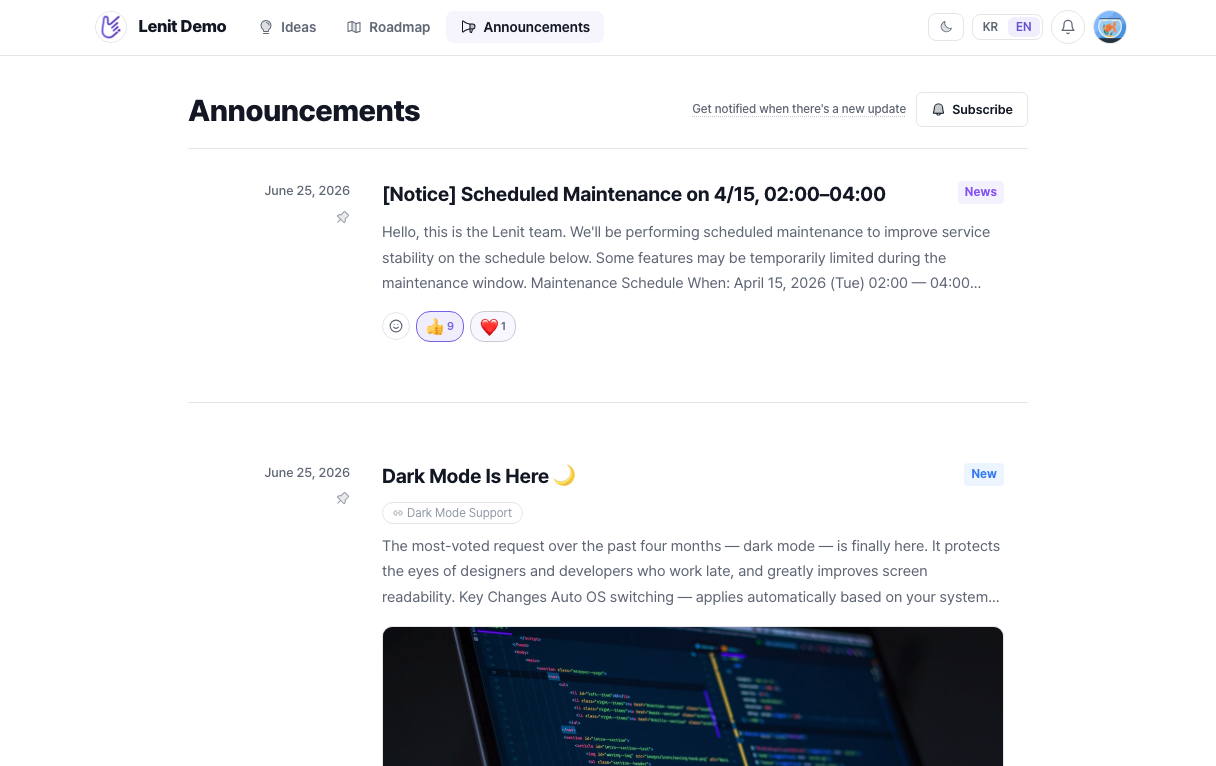
Dark mode is finally here
The most requested feature is live! Toggle dark mode from your settings to reduce eye strain during late-night sessions.
An all-in-one platform for growing startups: AI chatbot, 1:1 support, feedback board, changelog, and help center.
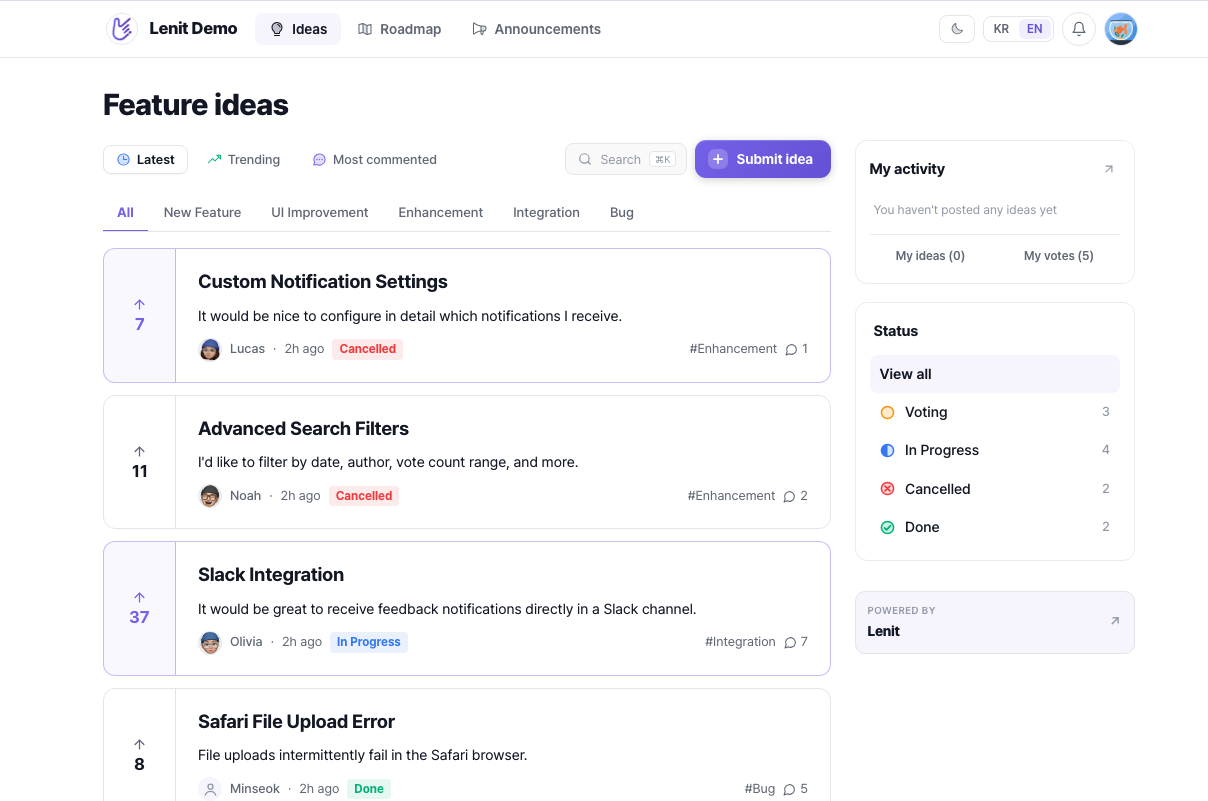
From support chats and feedback to GitHub ship detection and changelogs. Experience a feedback board that keeps itself alive.
Widget and email land in the inbox, requests on the board. Leni files asks from support conversations onto the board too.
Not just vote counts. See which segments want it, paying customers, heavy users, and pick what to build next.
Leni reads GitHub releases and merged PRs daily, marks the related requests done, and notifies everyone who voted.
A draft is written from what shipped and the linked requests. Review, publish, done.
채널톡·슬랙·이메일에 흩어진 목소리를 한곳에 모으고, 그중 진짜 피드백만 골라 보드에 등록해요. 투표가 쌓이고 우선순위까지 알아서 정리됩니다.
Whether a question arrives through your widget or email, you answer it from the same inbox, and your reply goes back through the channel the customer used. Send announcements and campaigns proactively with outbound, and hand repeat questions to the support bot to lift your support ROI.
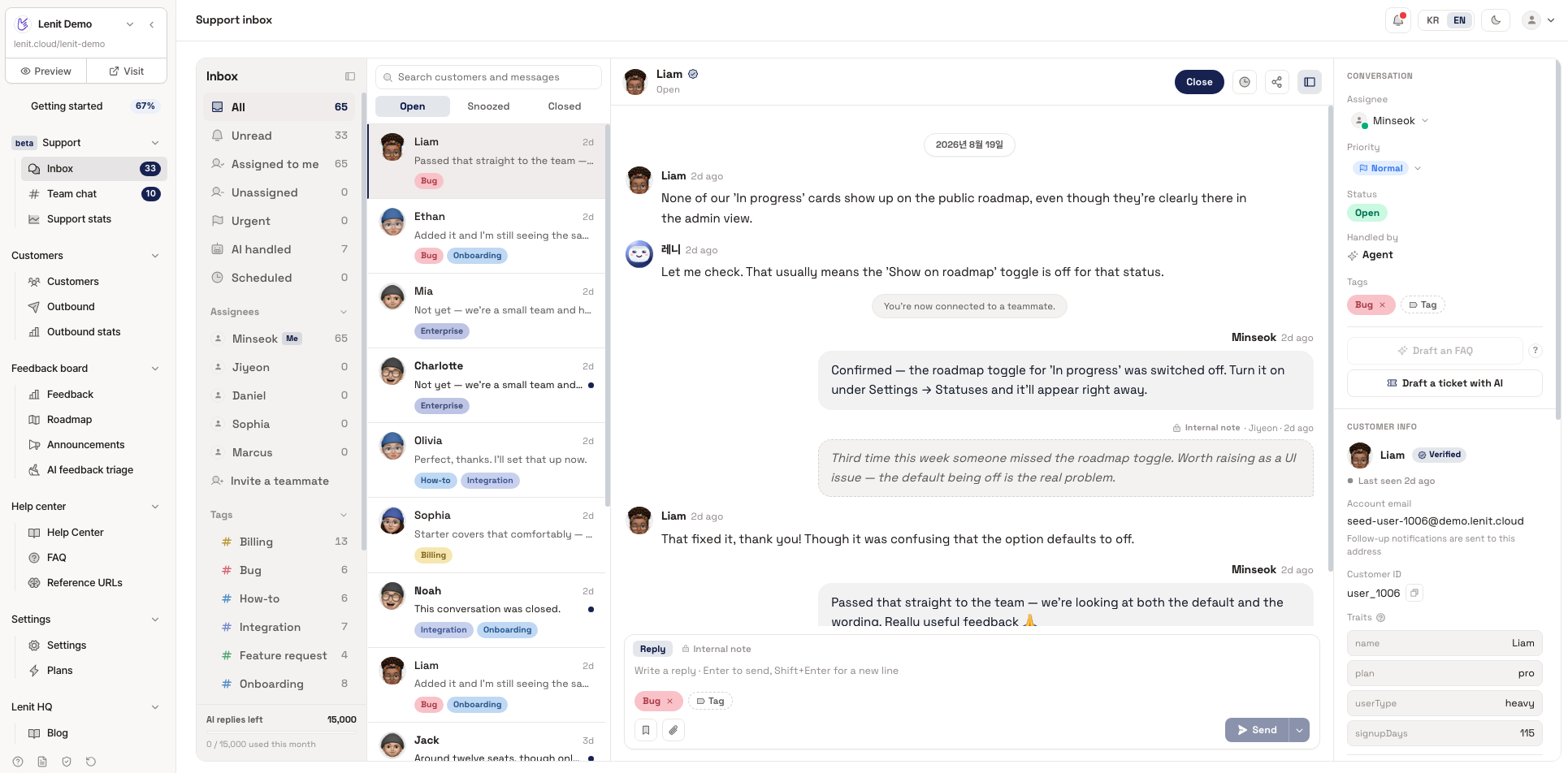
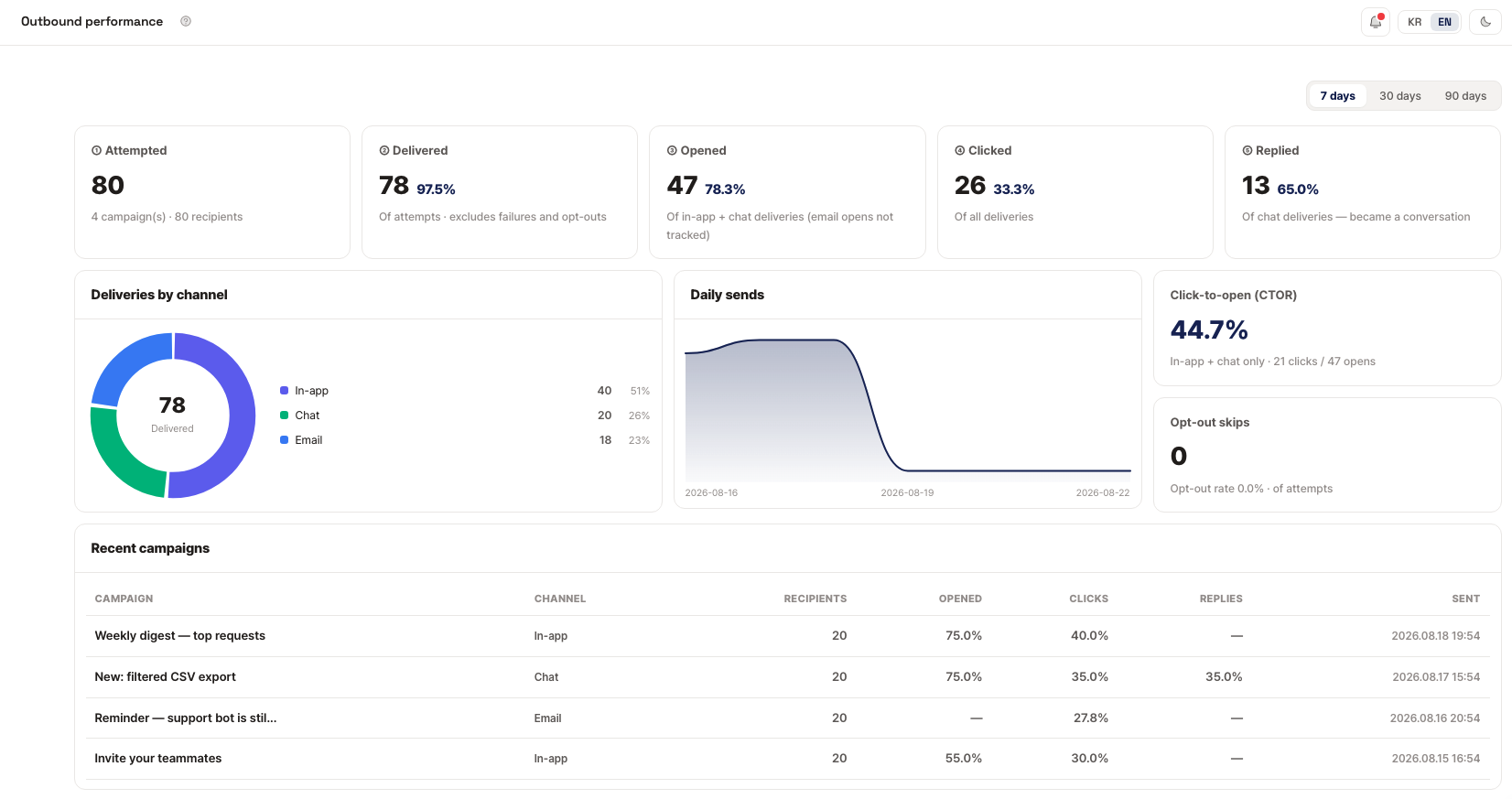
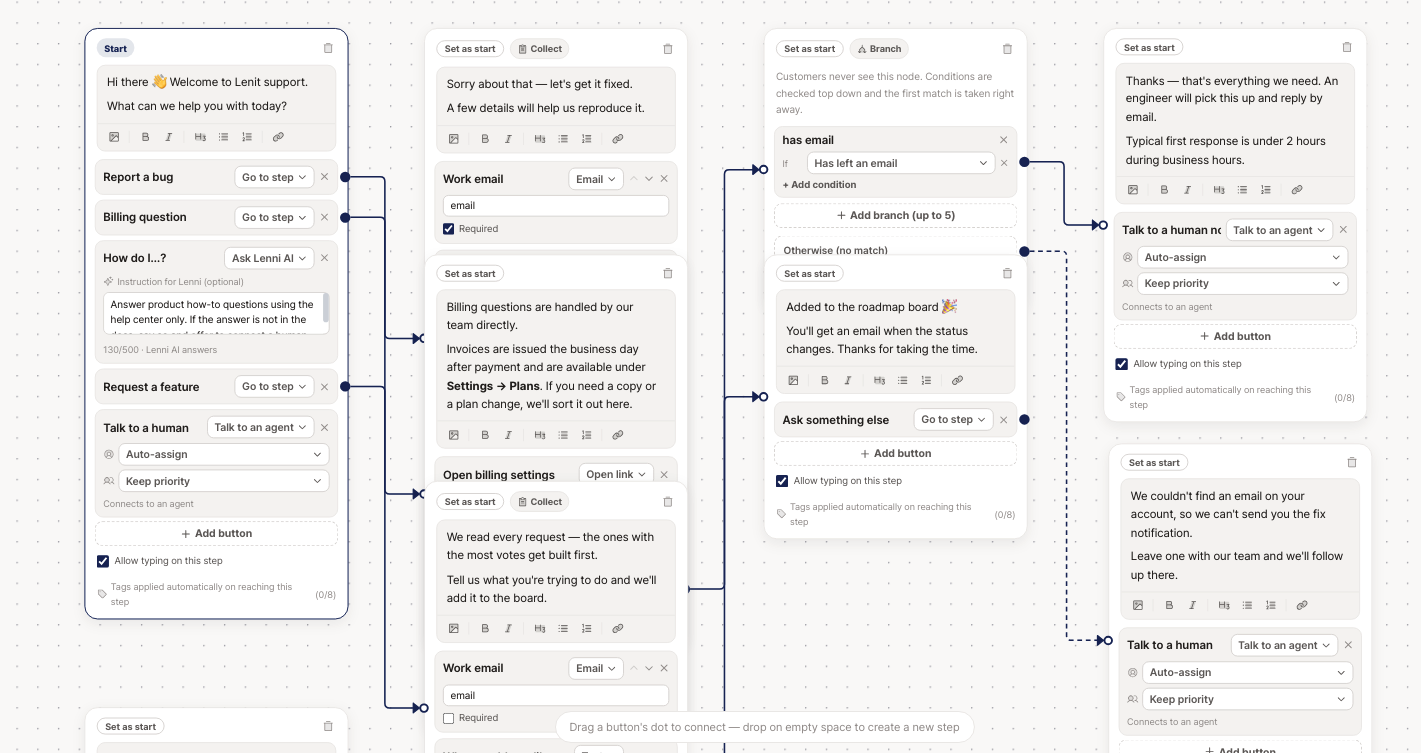
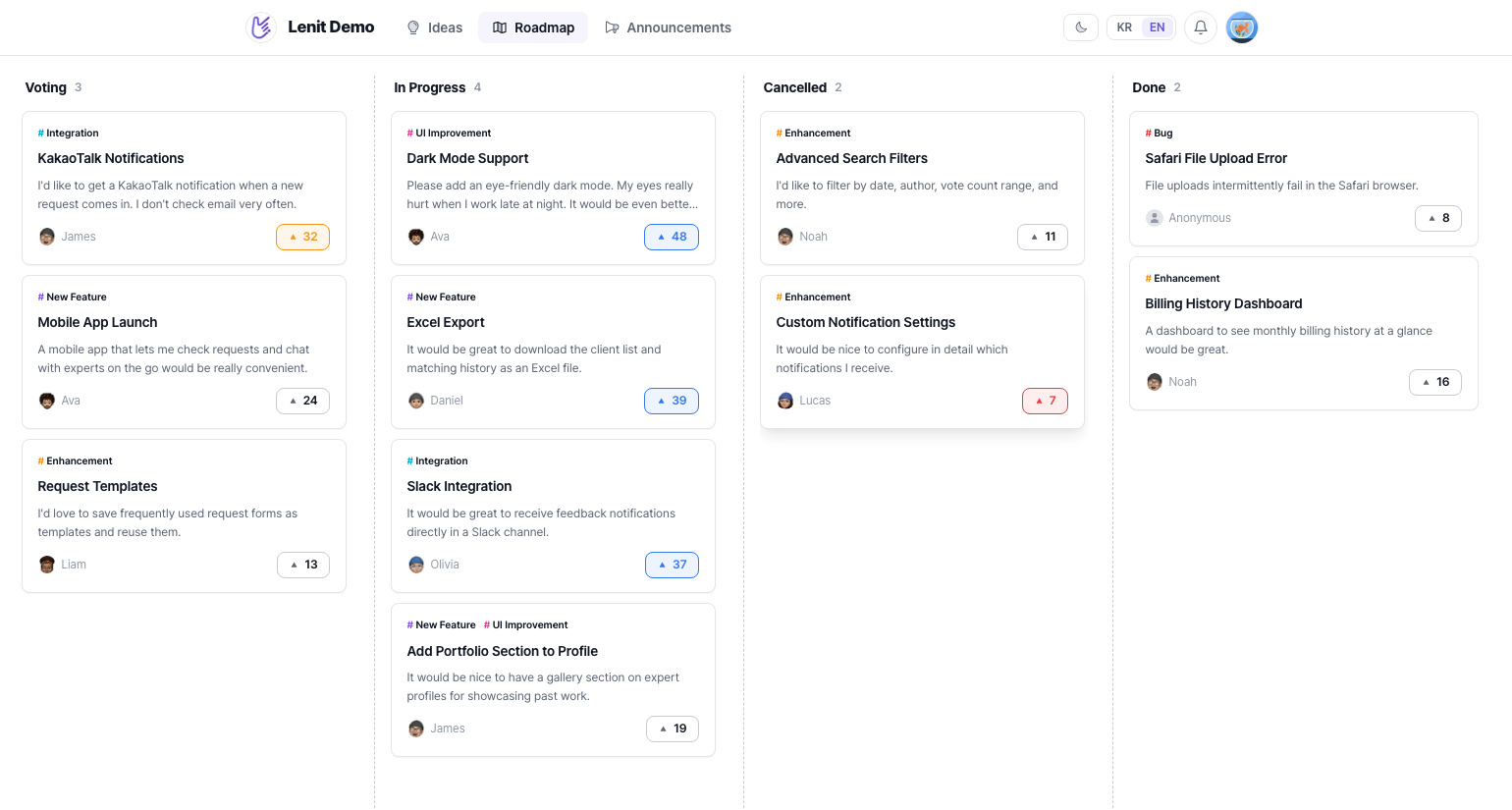
Users get a simple way to share what they want, and your board stays organized on its own. Requests that gather votes move onto your roadmap to build trust — and when they ship, the changelog notifies everyone who took part.
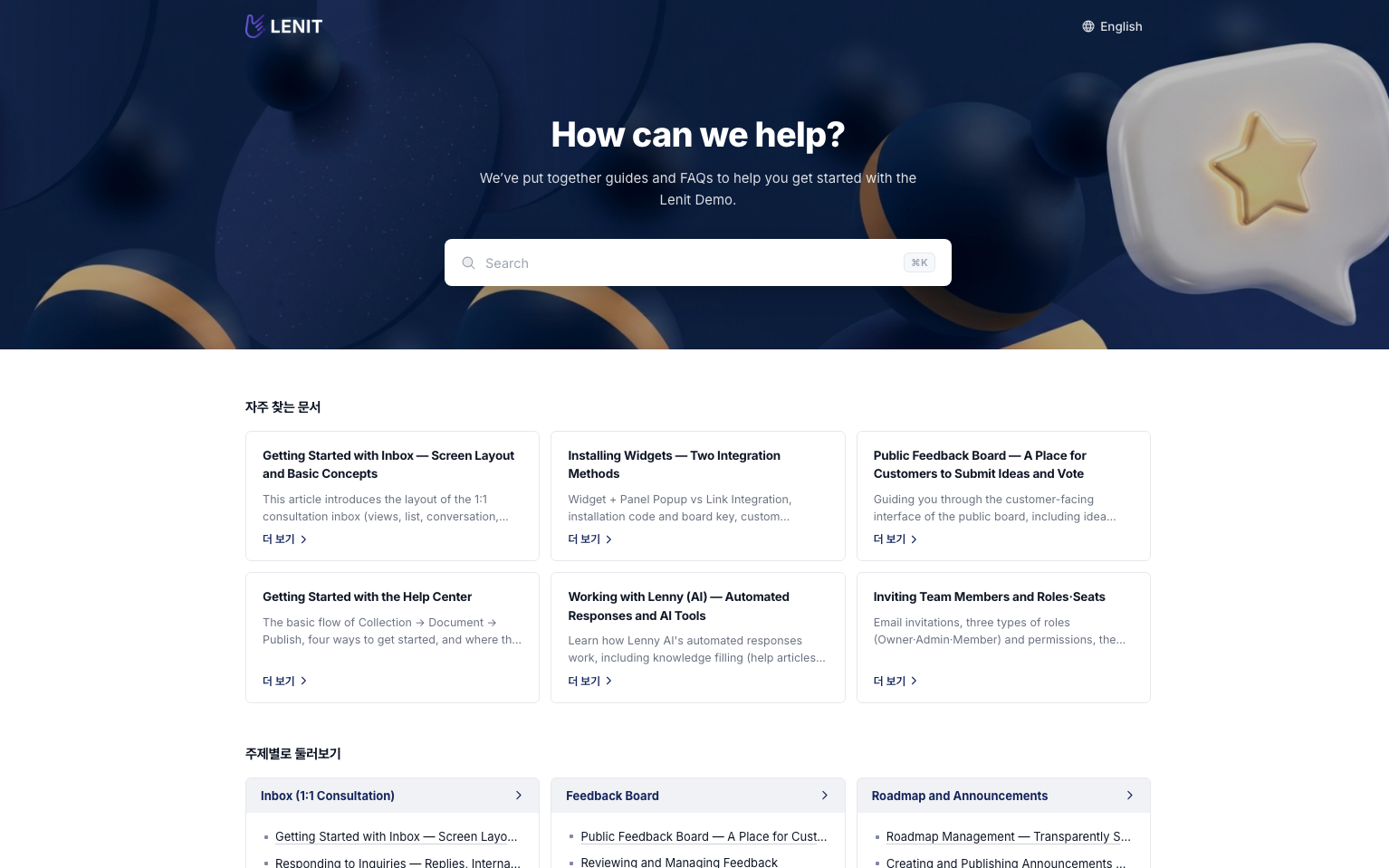
Fill your knowledge base two ways and Leni learns it all, citing the source in every answer. Already run a help center? Paste its URL and the migration is done.
We never use your customer data to train AI models, and the OpenAI API behind Leni doesn't train on API data either.
Every connection between browsers, the widget, apps and our servers runs over HTTPS (TLS), and passwords are stored only as one-way BCrypt hashes.
Every query is scoped to its workspace on the server, and owner, admin and member roles decide who can do what.
Issue trackers, AI coding tools, your current help center — plug Lenit in without changing how you work.
Linear & Jira ticket export · GitHub ship detection · MCP for Claude, ChatGPT, Codex, Cursor & VS Code · Email support · Import from Zendesk, Intercom, GitBook, Notion & Mintlify · Webhooks for the rest
The widget is one line of code pasted into your site. The public feedback board and help center work straight from a link, no install needed.
The Free plan has no time limit. Paid plans come with a 14-day trial, no card required, and nothing is charged automatically when it ends.
No. Lenit is a flat team price, with no charges per customer or per conversation. One customer or a million, the price is the same.
Leni only answers when your help center or FAQs back it up, and it attaches the articles it used. When there's no source, it offers to bring in a teammate instead of guessing.
AI replies are included per seat each month (500 on Starter, 1,000 on Pro). When they run out, conversations go to your team with no extra charge. Overage only applies if you turn it on, at $0.04 per reply.
No. We don't use customer data to train AI models, and it's written into our terms. The OpenAI API behind Leni doesn't train on API data either.
Enter your current help center's URL and Lenit brings over its collections and articles. Customer lists can be uploaded in one go as a CSV. If you'd rather not do it yourself, contact the Lenit team and we'll handle the migration for free.
Get notifications and reply from Slack, close out requests when a GitHub release ships, and export conversations to issue trackers like Linear. Webhooks and MCP (Claude, Cursor and more) are supported too.
All data is stored in the AWS Seoul region. You can export conversations and customer lists as CSV at any time, and deleting a workspace destroys its data immediately.
The dashboard, widget, public board and help center all support Korean and English. The widget and public pages follow each visitor's browser language.
Inbox · feedback board · help center · changelog — four products, one tab.